
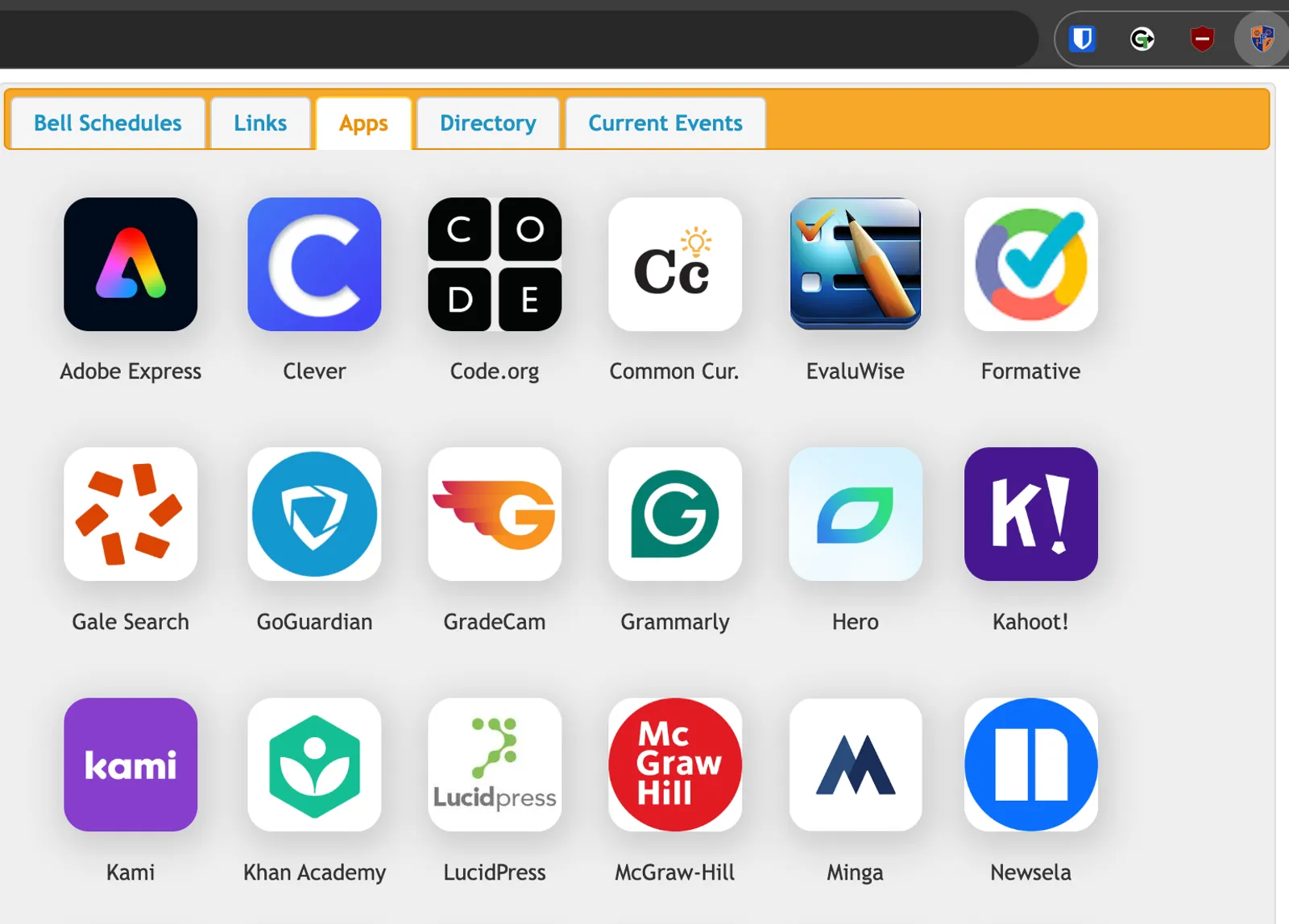
Project Overview
After inheriting the foundation for this Chrome extension from the original developer, I implemented significant quality-of-life improvements to create a more robust and useful tool.
The Problem
The original extension was a creative productivity concept: How do you consolidate myriad links to internal documents, applications, and essential reference material into a single, low-friction location accessible only to authorized users? The previous solution was a staff-only page on the district website. This required a login (creating high friction) and lacked comprehensive resources.
The Solution
A browser extension proved to be the perfect solution. It is always available, provides quick reference without interrupting current workflows, and is significantly more customizable than a standard “local school district” web page.
While the original extension worked, it had room for improvement. It was slow, requiring multiple calls to the Google Apps Script service upon every launch. It also suffered from bloat; the low information density required excessive scrolling, making it difficult to find specific information at a glance.
There are currently two versions of the extension (Staff and Student) served to devices based on Organizational Unit (OU) via the private Chrome Web Store.
My Changes
I made extensive updates to the codebase to modernize the architecture and improve usability. The most significant changes are highlighted below.
Performance & Architecture
- Updated the extension to Manifest V3.
- Implemented 24-hour caching via Chrome local storage. This eliminated redundant API calls and resulted in instant loading times after the initial daily fetch.
- Wrote custom Google Apps Script extensions to pull staff directory and current events data from new, more efficient sheets.
- Embedded the schedule image directly into the extension package to ensure instant loading.
- Deleted residual package files and unused code to clean up the repository.
- Corrected outdated attributes in
manifest.json.
User Experience & Features
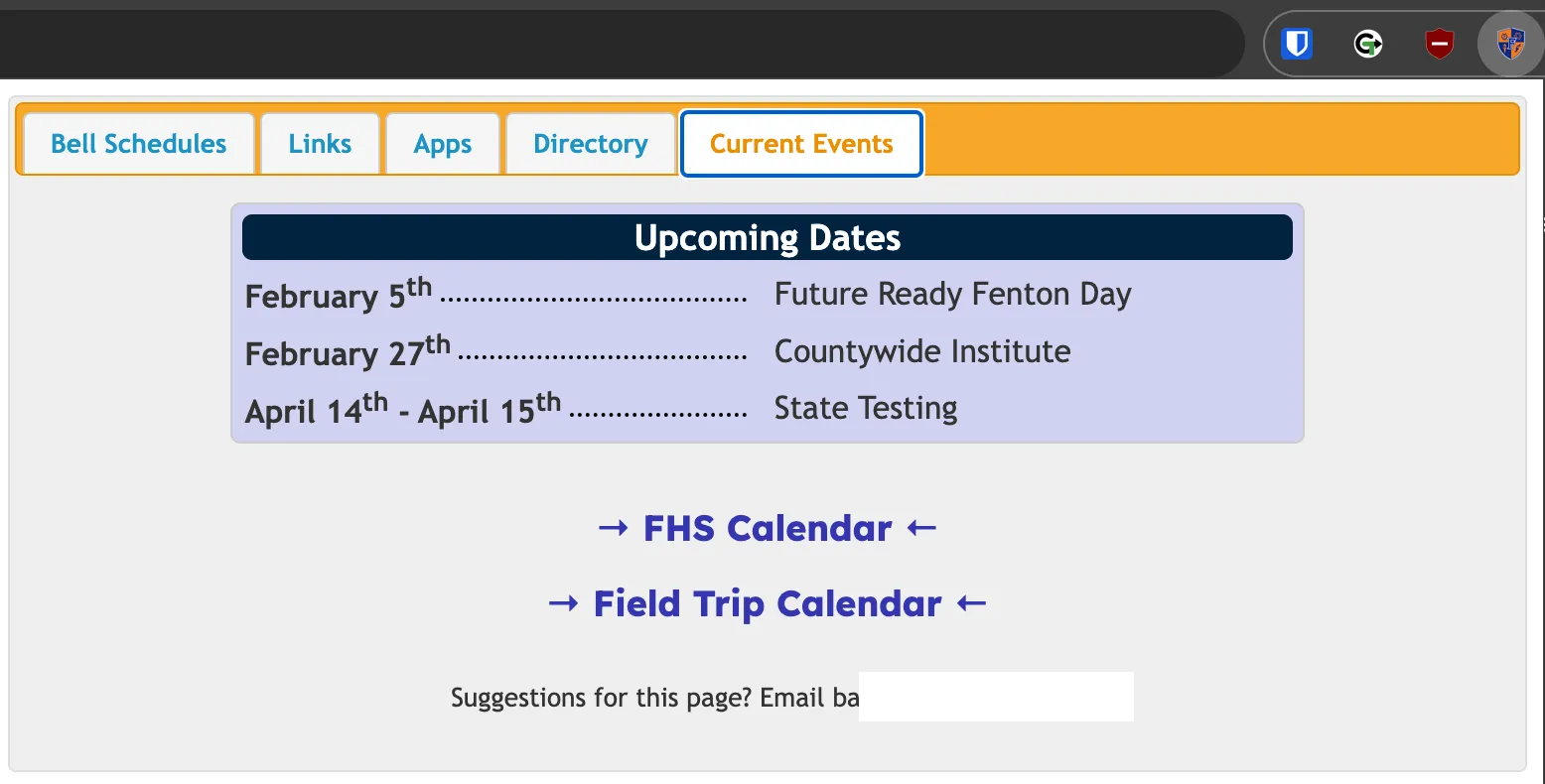
Added a “Current Events” tab for school-wide reminders, with a unique configuration for the student version.
Added a search function to the Links tab.
Added the ability to “Favorite” selected links.
Search the links page, and favorite the ones you use most often Added phone extensions for every classroom in the directory - a brand new feature making it easier to find and contact a staff member at any time.
Improved the application icon.
Removed the header and front matter to increase information density and reduce scrolling.
Removed “No Class” entries from the directory tab (multiple lines cleared for every teacher in the list) and reconfigured the search algorithm to return cleaner results.
Made several improvements to the back-end Google Sheet Directory to include non-teacher staff members and integrate data from multiple unique sources.
Bug Fixes & Polish
- Fixed rendering issues for Spanish and Polish translations.
- Fixed a rendering width error on devices with high zoom levels and lower resolution screens.
- Resolved a bug that flagged an error if a user attempted to search the links field before the table had fully loaded.
AI Disclosure
A generative LLM assistant was used to help write the JavaScript components necessary for Google Sheets and Apps Script API interaction, JSON handling, and extension DOM interactivity.