
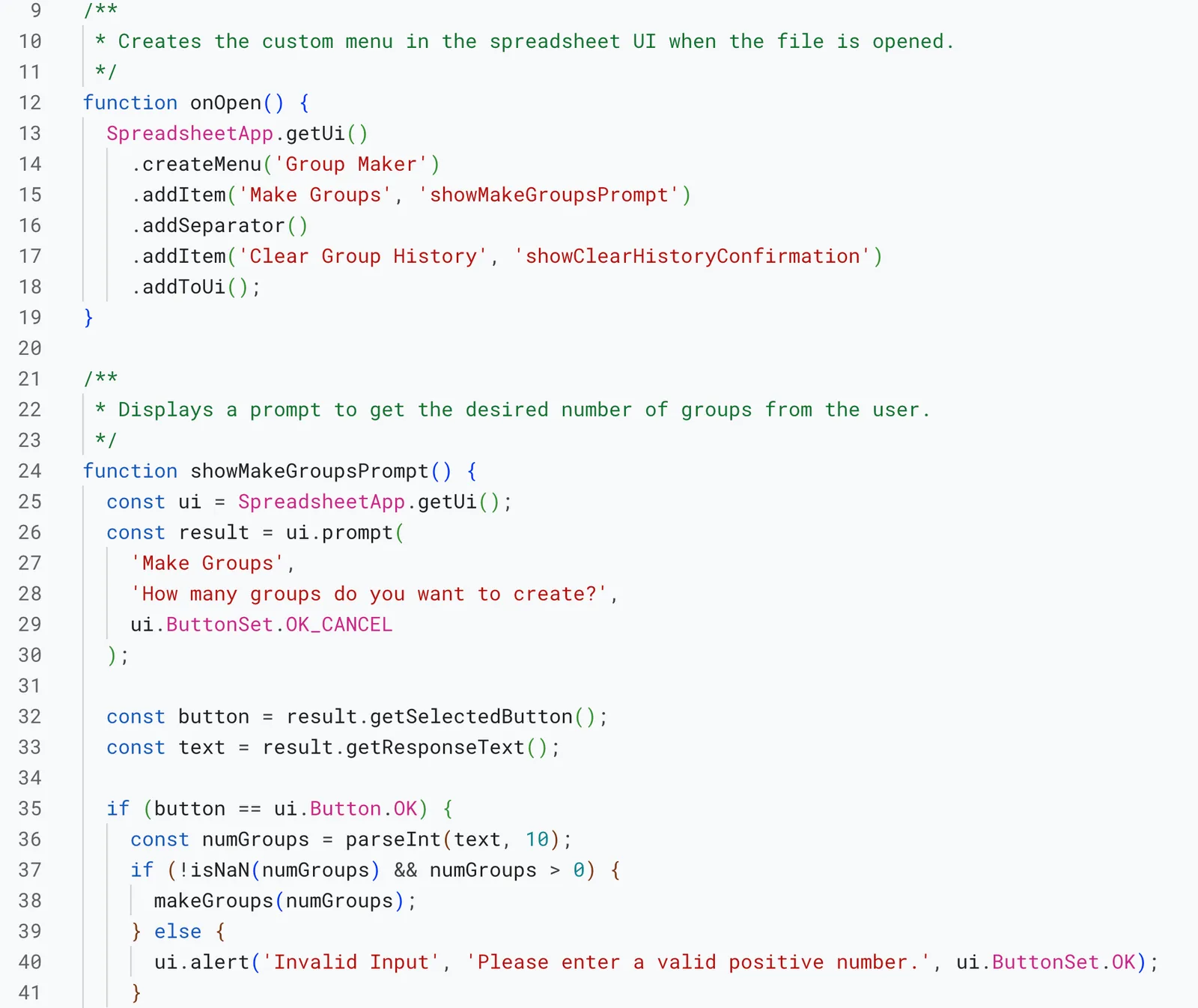
One day, a colleague asked: wouldn’t it be nice to create random groups that didn’t repeat, ensuring students are always paired with unique partners?
After a few iterations, I settled on a solution I’m really happy with. While there are plenty of random group makers online, I wanted a tool that:
- Keeps data private: It runs locally without sending student names out to the web.
- Is easy to use all year: Input your roster once in column A, and it’s there for the year. You can add additional sheet tabs for other class sections.
- Allows for exclusions: It includes a method to list students who should never be grouped together.
- Formats for high visibility: The output is clean and easy to read on a classroom projector, dynamically adjusting based on the number of groups selected.
- Maximizes variety: It keeps groups as unique as possible. When unique combinations are running low, it notifies the teacher, giving them the choice to proceed or delete the group history and start fresh.
There are still a few minor bugs I’d like to iron out. For example, the randomizer occasionally makes unbalanced groups when it doesn’t need to—you can see at the end of the video that Group 1 has 5 members while Group 6 has only 3. I’ll get around to solving that eventually, but for now, it’s an easy manual fix.
AI Disclosure
A generative AI assistant was used for the JavaScript logic to create random groups and ensure their uniqueness.